ADHD Timer
An ADHD timer that works alongside you
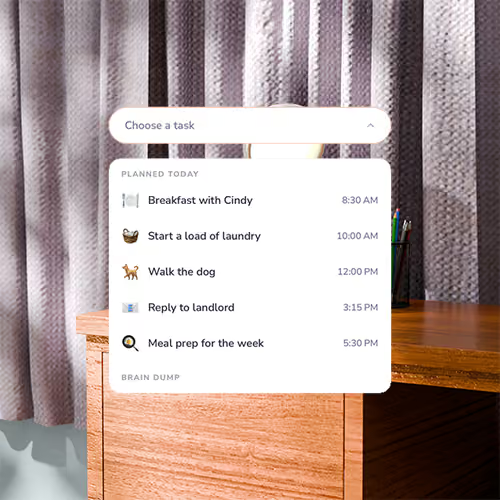
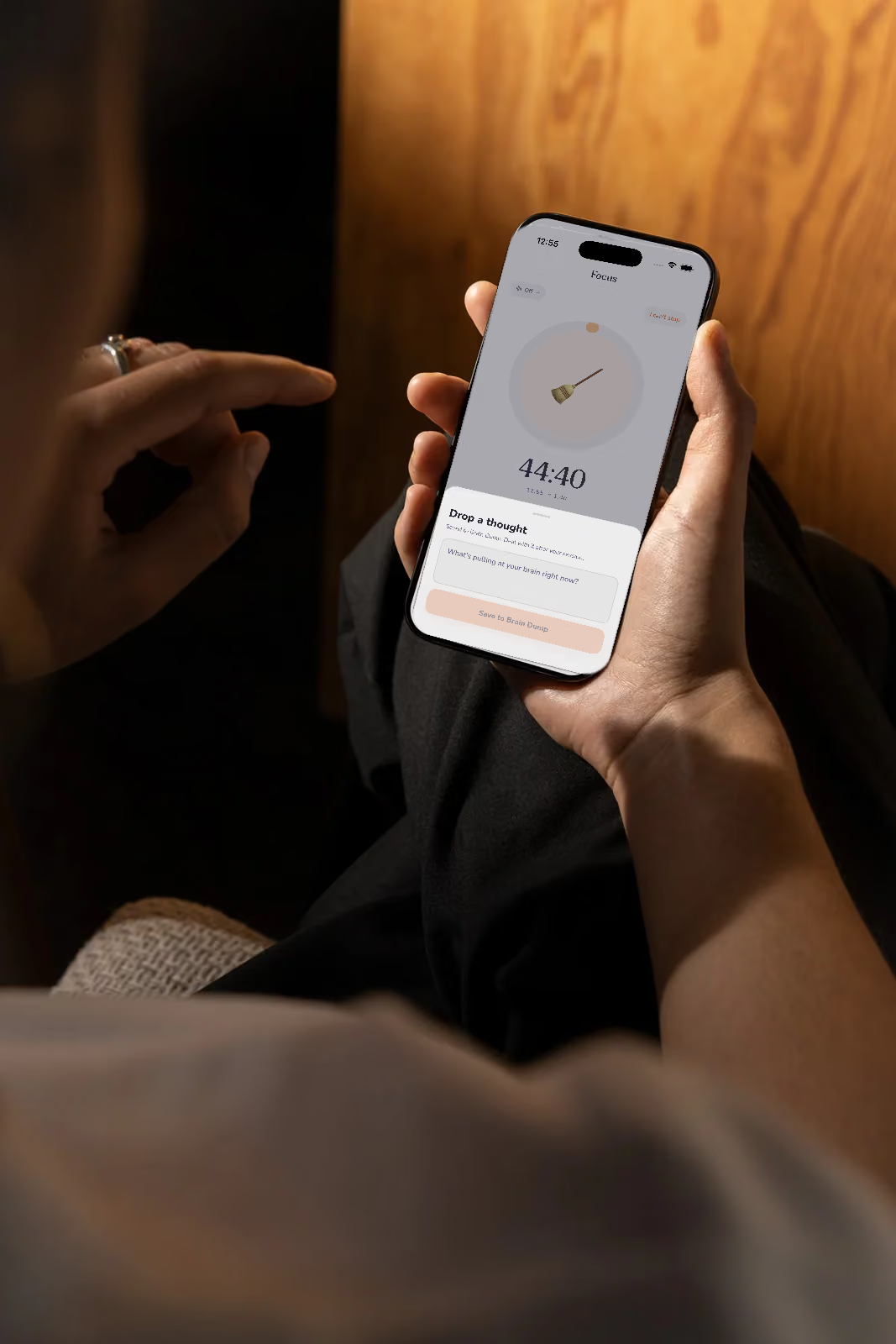
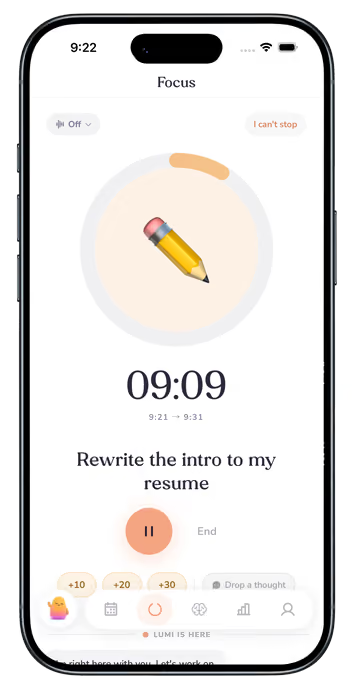
Set your time, name your task, and start. Turn on body doubling, and Lumi keeps you company, and checks in periodically to keep you focused

.svg)
Set your time, name your task, and start. Turn on body doubling, and Lumi keeps you company, and checks in periodically to keep you focused
An ADHD timer is used to make time easier to see and keep track of when you have ADHD. It counts down a set stretch of time with a visual display, a sound, or both, so the minutes don't slip by unnoticed. It's a tool for focus, not a treatment.
Learn more about each one
A quick look at how Lumi’s planner works. If something’s missing, write to us and we’ll answer.

Many people find them useful because a timer gives an open-ended task an edge. It won’t change how your brain handles time, but seeing how much is left can make starting, and stopping, a little easier. If a timer doesn’t help with a certain task, that’s fine too.
Pick one task, choose a short time you can say yes to, such as 10 or 15 minutes, and start. When it ends, you can stop, add more time, or take a break. In Lumi, you drag the ring to set anywhere from 1 to 60 minutes.
There isn’t one right answer. Shorter sessions, around 10 to 25 minutes, are easier to begin, and you can add ten, twenty, or thirty more minutes if you’re in the flow.
Time can be hard to feel until it’s nearly gone, so it helps to make it visible: see how long something will take, set an end time, and get a heads-up before it arrives. A visual timer does the first two. You can read more in our guide to time blindness.
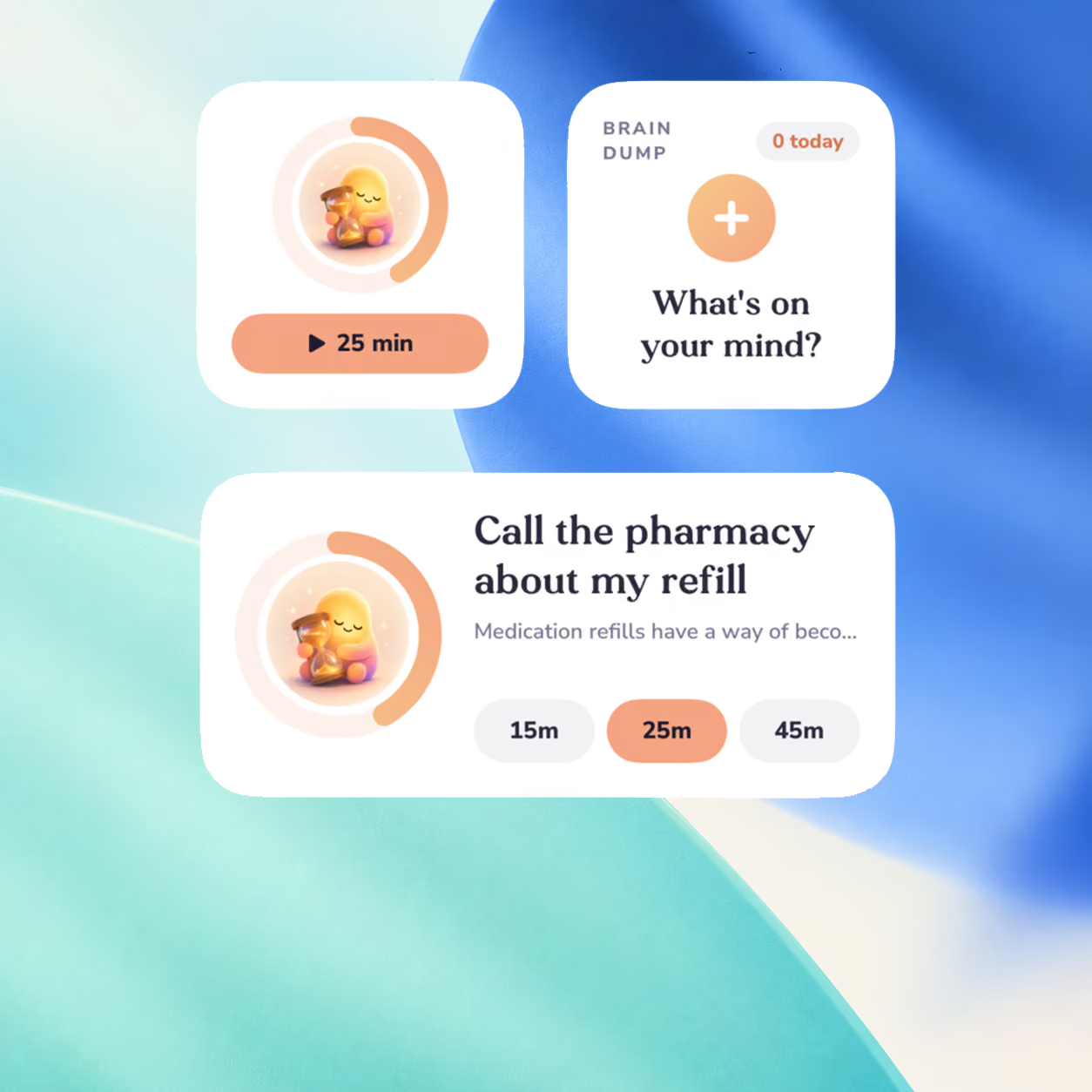
A regular visual timer shows time passing. Lumi adds a companion who stays with you, built-in sounds, tasks from your calendar and Brain Dump, and a gentle way to stop if you can’t.
Yes. Name the task or pick one from your day, set the time, and start. Choose a sound if it helps you settle in.
Lumi has a 7-day free trial, then plans start at $14 a month, billed monthly ($24 monthly for Core). It’s coming to iPhone first, with Android after. There is no web app.

ADHD tips, honest insights, and the occasional reminder that you're doing better than you think.
By signing up, you agree to receive emails from Lumi. You can unsubscribe at any time. No spam, we promise. View our privacy policy.